THUGLIST › To-do list with alarm
A to-do list with an alarm you cannot sleep through
Free on Android. Reminders that arrive on the exact minute, and for the tasks that matter, an alarm that sounds even with your phone on silent. No account needed.
Get THUGLIST free on Google PlayA reminder is a notification, and notifications are easy to swipe away, mute or never see. That is fine for "buy milk". It is not fine for the tax form due at 5 pm. THUGLIST gives you both: ordinary reminders for ordinary tasks, and a real alarm for the ones you mark important.
Reminders on the exact minute
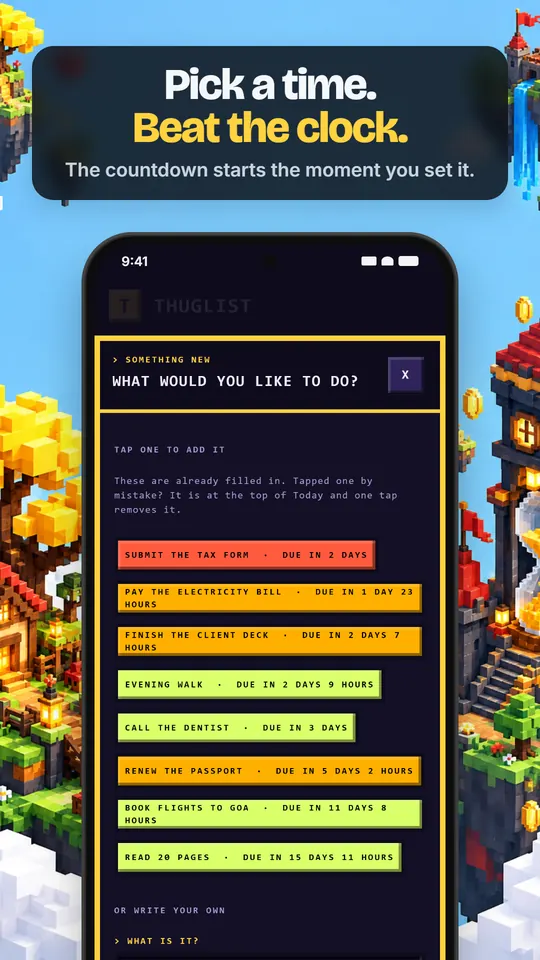
Set a date and a time on any task with the time wheel, and THUGLIST schedules an exact alarm so the reminder arrives at the minute you chose, not whenever the phone gets round to it. A countdown on each task shows how long you have left, so the deadline is never a surprise.
An alarm that sounds through silent mode
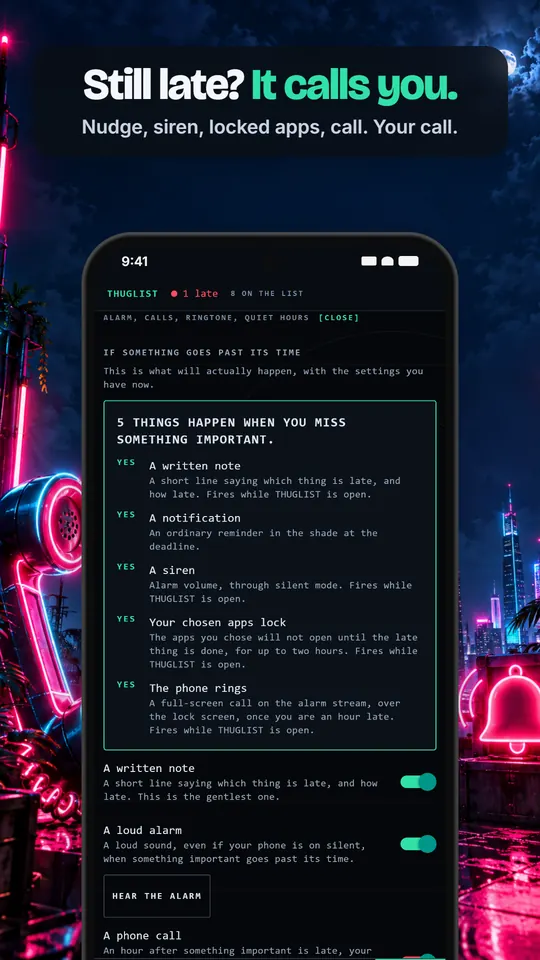
When a task you marked important goes past its deadline, THUGLIST can sound a loud alarm at alarm volume, which Android lets through silent mode. You can hear exactly what it sounds like from the settings before you rely on it. Ordinary tasks never ring; they remind you quietly.
If you still miss it: a call (Pro)
With Pro, an hour after an important deadline, your phone can ring like a real incoming call, full screen over the lock screen. Answer or decline; it stops on its own after a minute. It is off by default.
Everything else a to-do list should do
- Repeating tasks: daily, weekly, monthly, or your own pattern, and a daily habit stays on its hour.
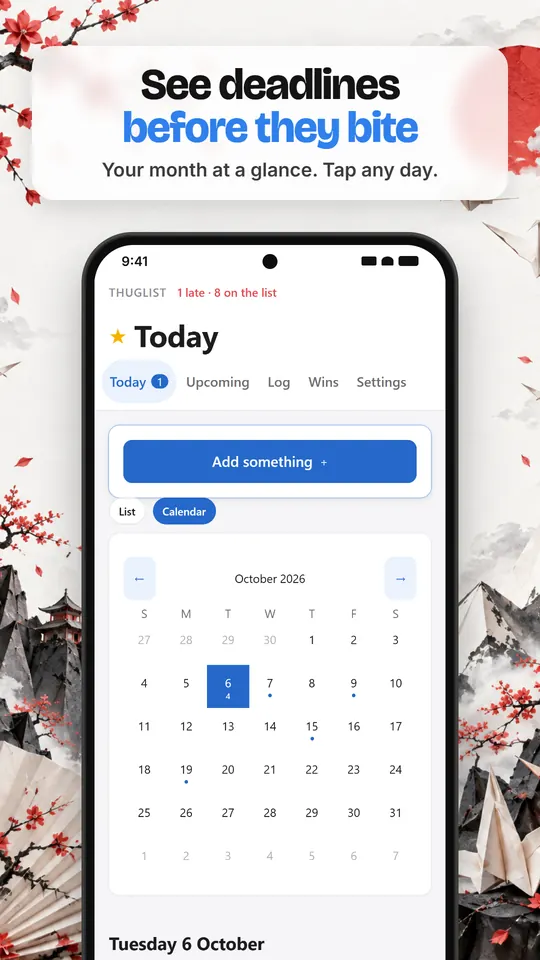
- A calendar to see deadlines before they arrive, and move a task to another day.
- A timer: focus sessions on one task, with Do Not Disturb on if you want it.
- Tags, headings and checklists to break a big task into steps.
- A record of everything you finished, so the list is not only a list of what is left.
- Quiet hours so nothing loud happens while you sleep. Ordinary reminders still arrive on time.
Works without a login
Open the app and start adding tasks. There is no sign-up wall. Your list is stored on your own phone; an account is only needed if you want encrypted sync between devices, and even then only a sealed copy leaves your phone. There are no ads and no analytics.
Questions
Why do I need to allow exact alarms?
Android delays ordinary scheduled notifications to save battery. The exact alarms permission lets a reminder arrive on the minute you set. It is optional and explained in the app first.
Will the alarm wake me at night?
Not if you set quiet hours. During quiet hours the alarm, app blocking and calls wait until morning.
Is it free?
Yes. Reminders, the alarm, repeats, the calendar and up to 100 open tasks are free with no ads. Pro adds the phone call, projects, every look and unlimited tasks.