THUGLIST › App blocker for studying
An app blocker for studying that locks apps until the work is done
Free on Android. Instagram, YouTube or any app you choose stays shut while your assignment is late, and opens again the moment you finish.
Get THUGLIST free on Google PlayMost app blockers work on a timetable: no social media from 9 to 5, whatever you are doing. That is easy to resent and easy to switch off. THUGLIST ties the lock to the work instead. While you are on track, every app opens normally. When a study task you marked important goes past its deadline, the apps you picked stop opening until that task is ticked off.
How it works
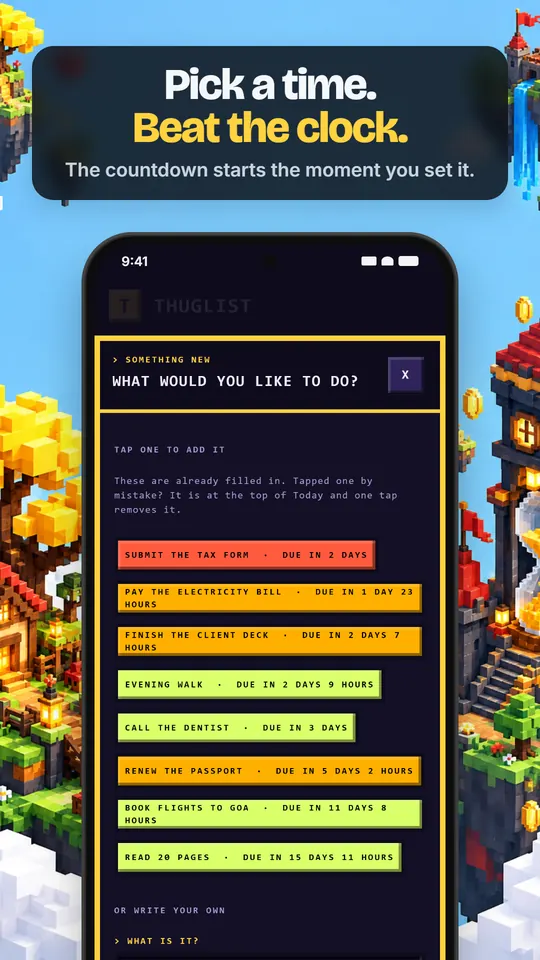
- Add the task and its deadline. "Finish the history essay, Thursday 6 pm." Mark it important.
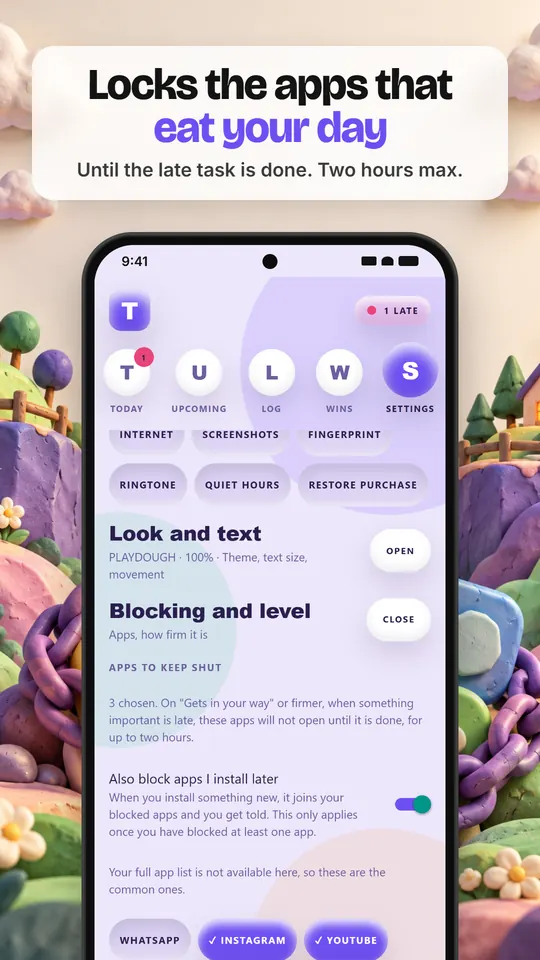
- Choose the apps that eat your study time. THUGLIST lists the apps installed on your phone; pick Instagram, YouTube, a game, anything.
- Set the blocking level to "Gets in your way" or firmer. Blocking is off until you choose this.
- If the deadline passes, opening one of those apps shows a block screen instead. Finish the essay, tick it off, and they open again.
Firm, but never a trap
A lock you cannot escape is a lock you uninstall. So THUGLIST keeps clear limits:
- Apps stay shut for up to two hours per late task, not forever.
- You can pause for an hour or for the day, any day. Pausing costs nothing and never counts against you.
- Quiet hours hold blocking until morning, so a late task never locks your phone overnight.
- Only tasks you mark important can lock anything. Ordinary tasks just remind you.
Pair it with a focus timer
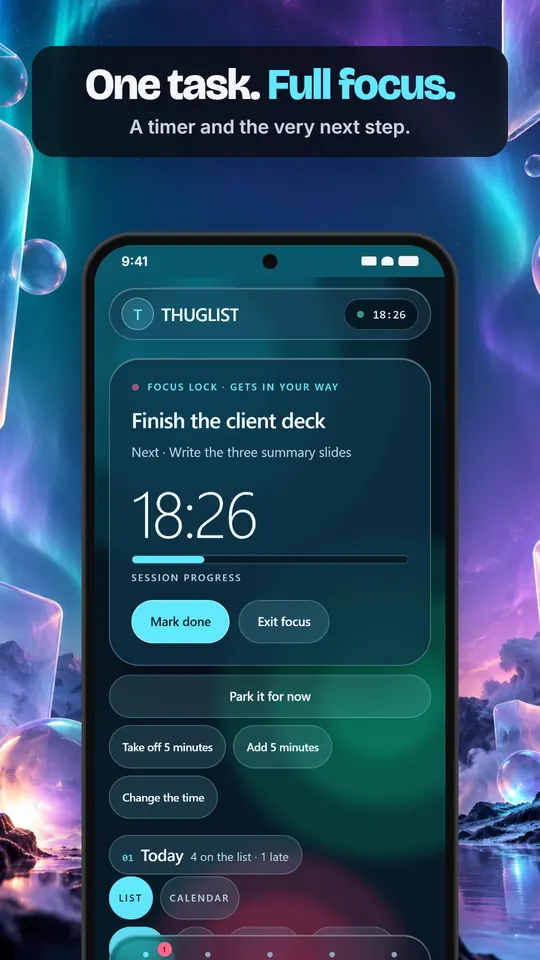
Blocking deals with the moment you drift. A focus session deals with getting started: pick one task, start the timer, and THUGLIST shows the time left and the very next step, and can switch on Do Not Disturb so notifications stay quiet until you are done.
What it needs from your phone, and why
To keep an app shut, Android requires two permissions: Usage access, so THUGLIST can tell which app is in front, and Display over other apps, so it can show the block screen. They are used for that and nothing else. THUGLIST does not read your messages, does not track what you do inside apps, and has no analytics. Both permissions are optional, explained in the app first, and only needed if you turn blocking on. The full detail is in the privacy policy.
Questions
Is the app blocker free?
Yes. App blocking, the to-do list, reminders, the alarm and focus sessions are all free, with no ads.
Can I lock apps at a fixed time, like 9 to 5?
No. THUGLIST does not block on a timetable. It locks the apps you chose only while an important task is past its deadline. If you want time-based blocking, Android's own Digital Wellbeing focus mode does that, and the two work fine side by side.
What if I need an app in an emergency?
Pause from the settings for an hour or for the day. Only the apps you picked are ever blocked, and the phone dialer can never be blocked at all.
Does it work on iPhone or on a laptop?
Not yet. THUGLIST is an Android app.